Mango AI Image to Image
Drag & Drop, Paste, or Click to Upload
PNG, JPG, WEBP, Max 10 MB each
Edited Results
Your AI-enhanced images are ready!
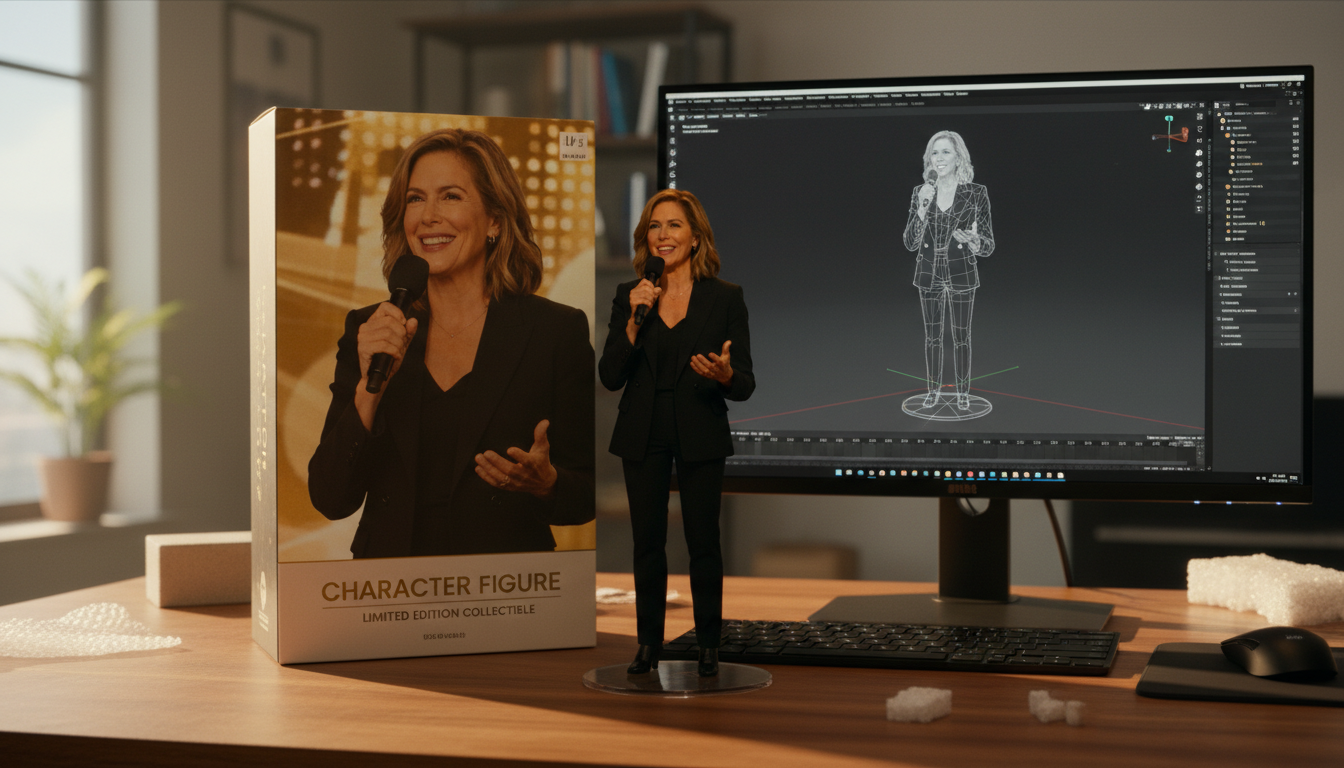
Example demo - start generating to unlock full controls
Image to Image Examples
Transform your images with AI
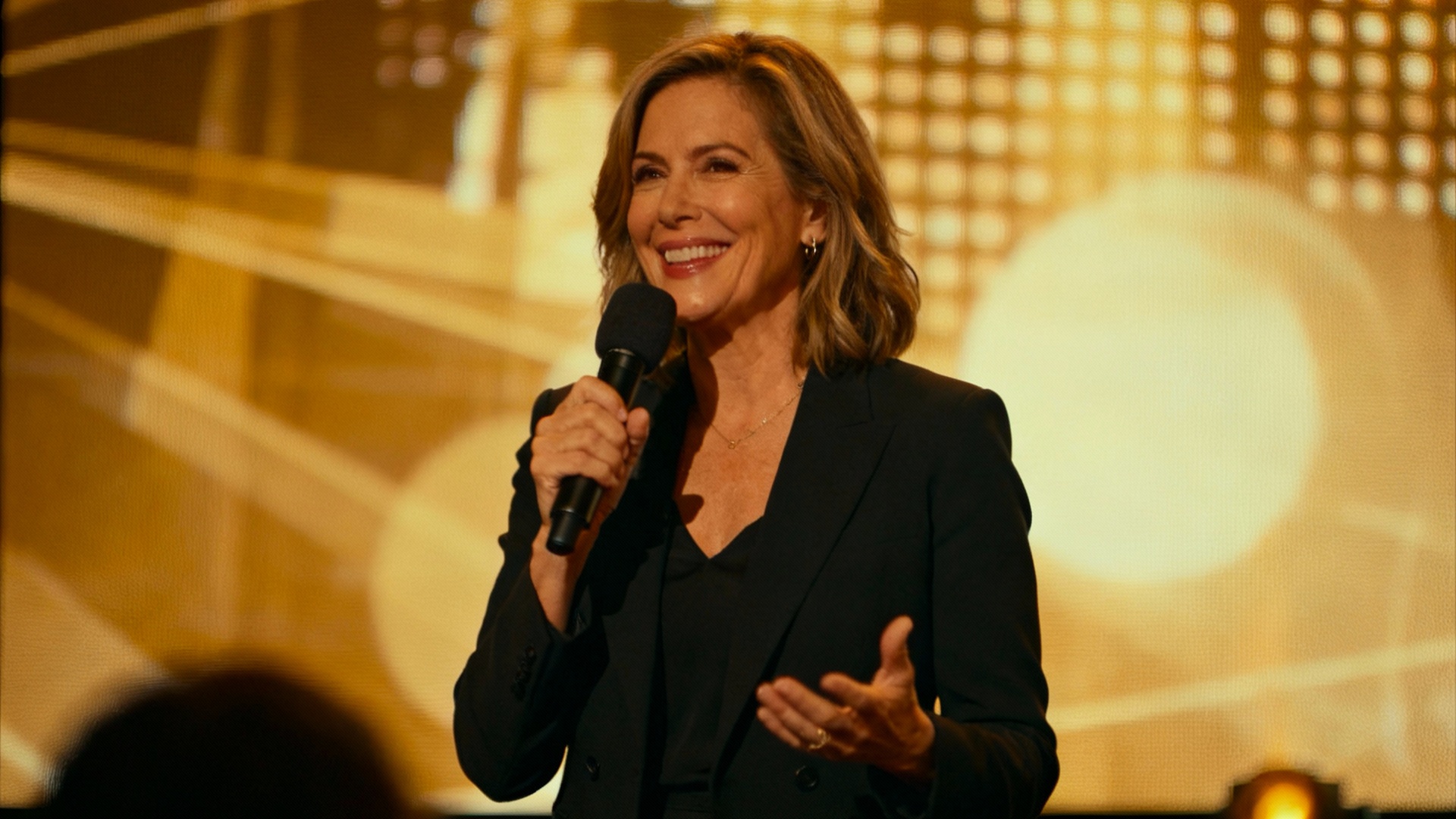
Prompt
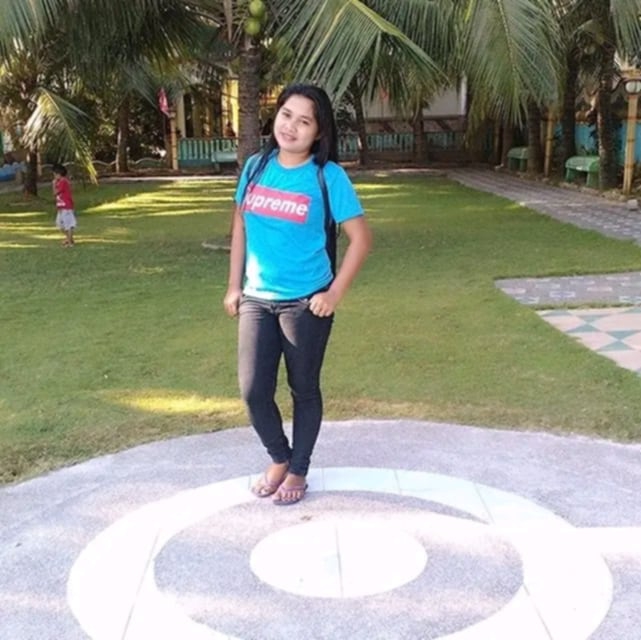
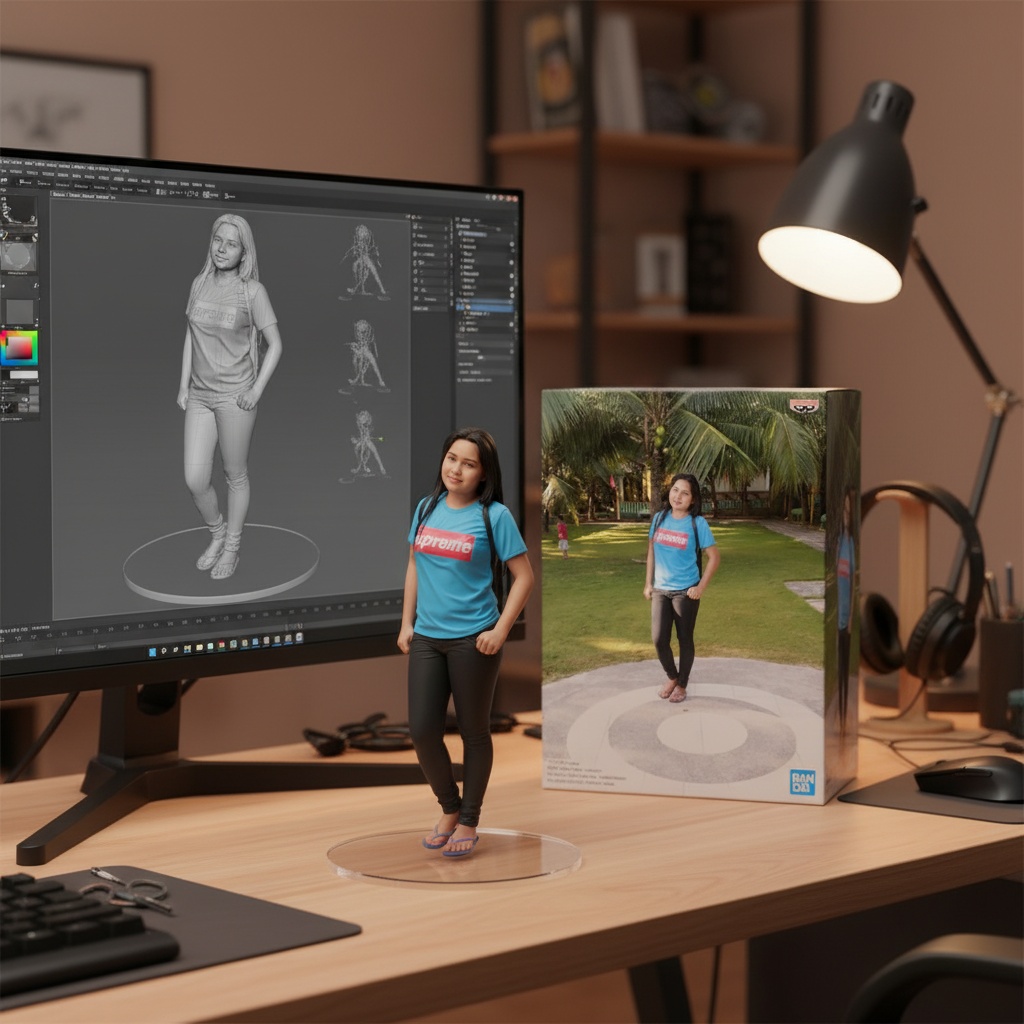
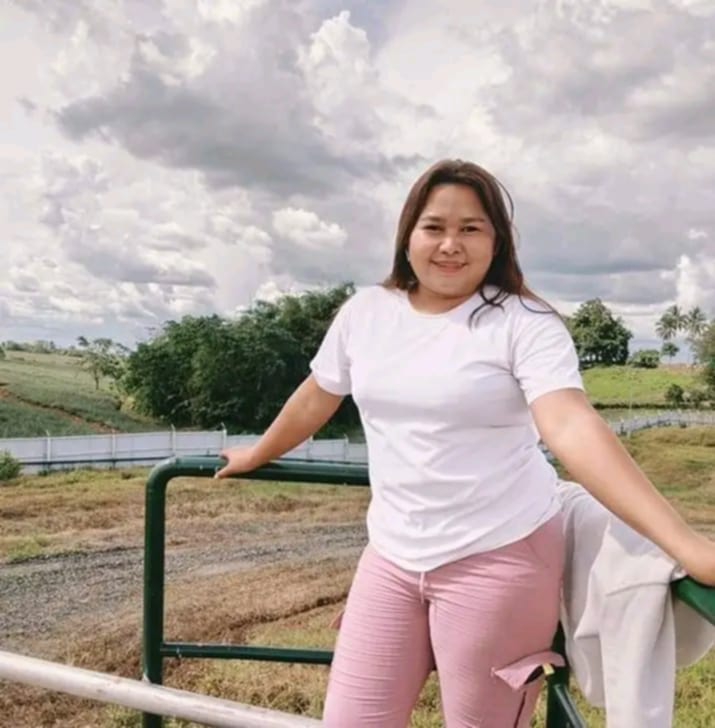
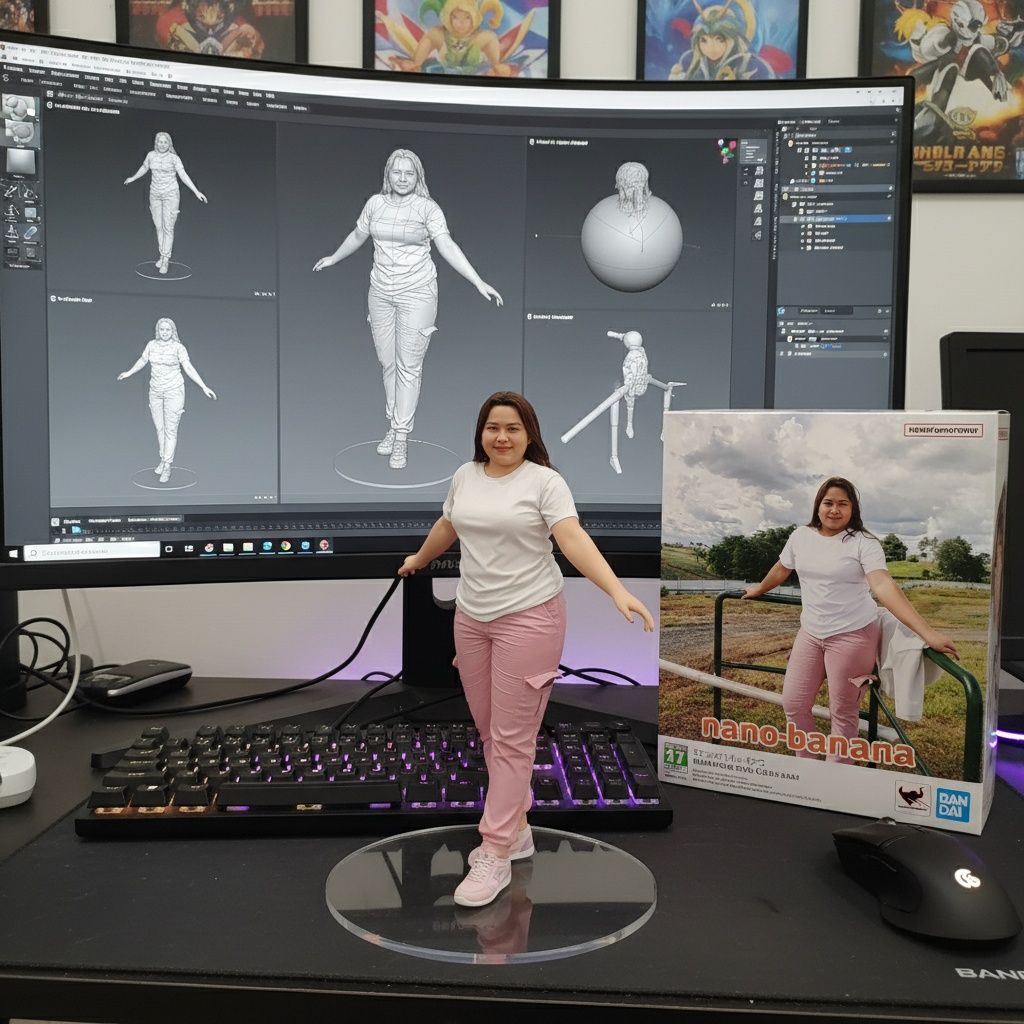
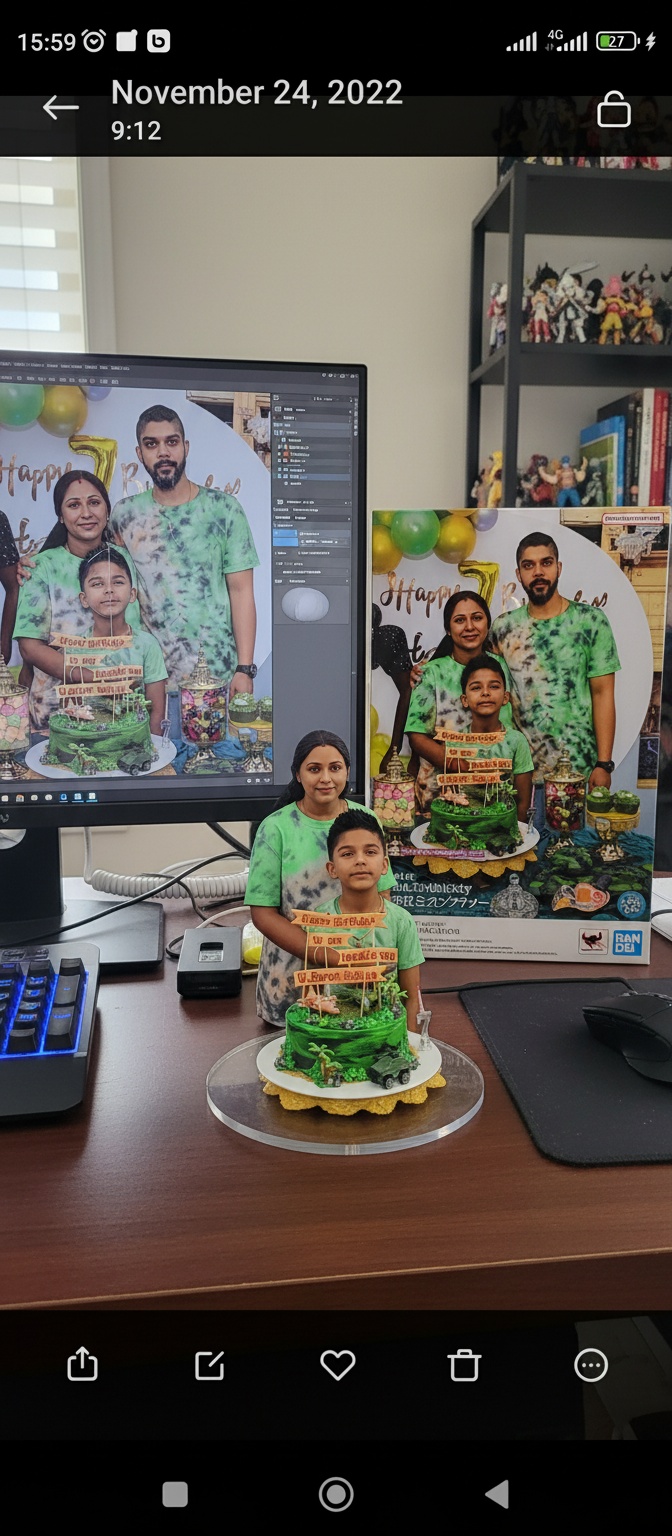
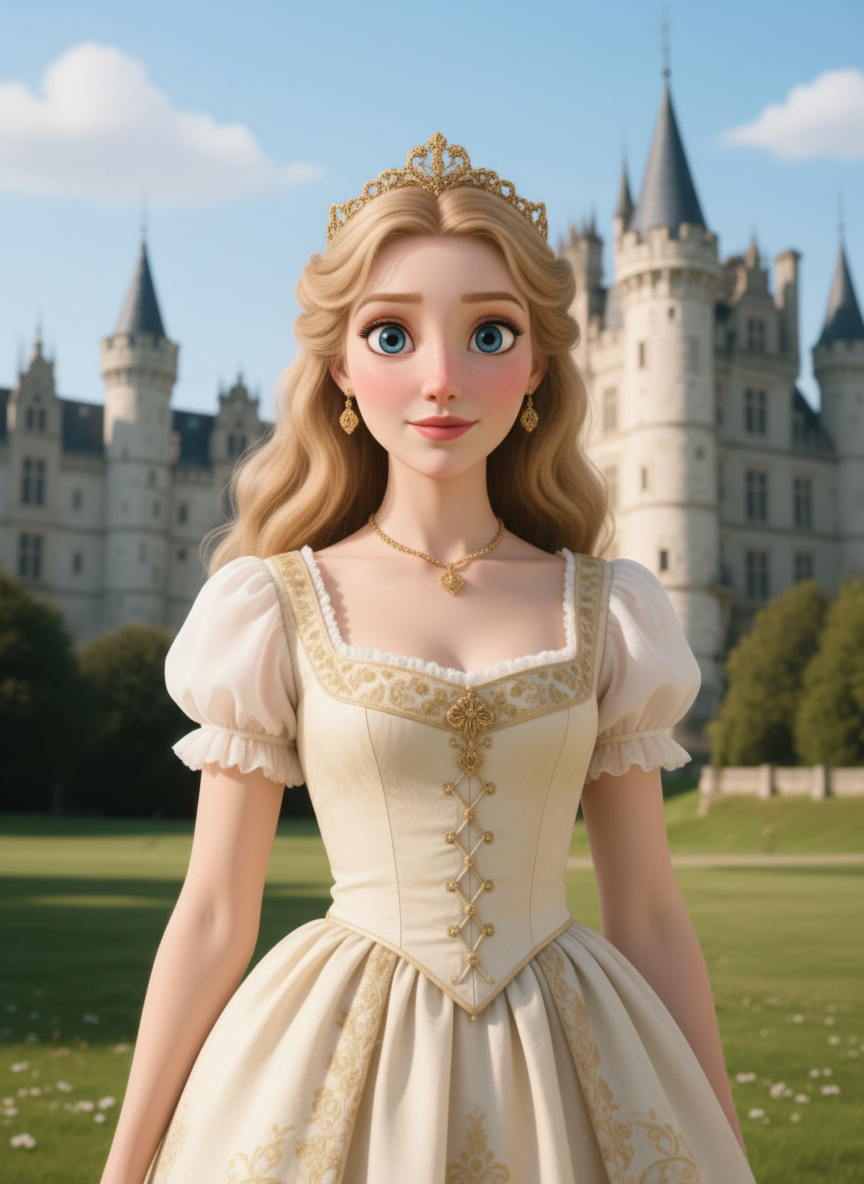
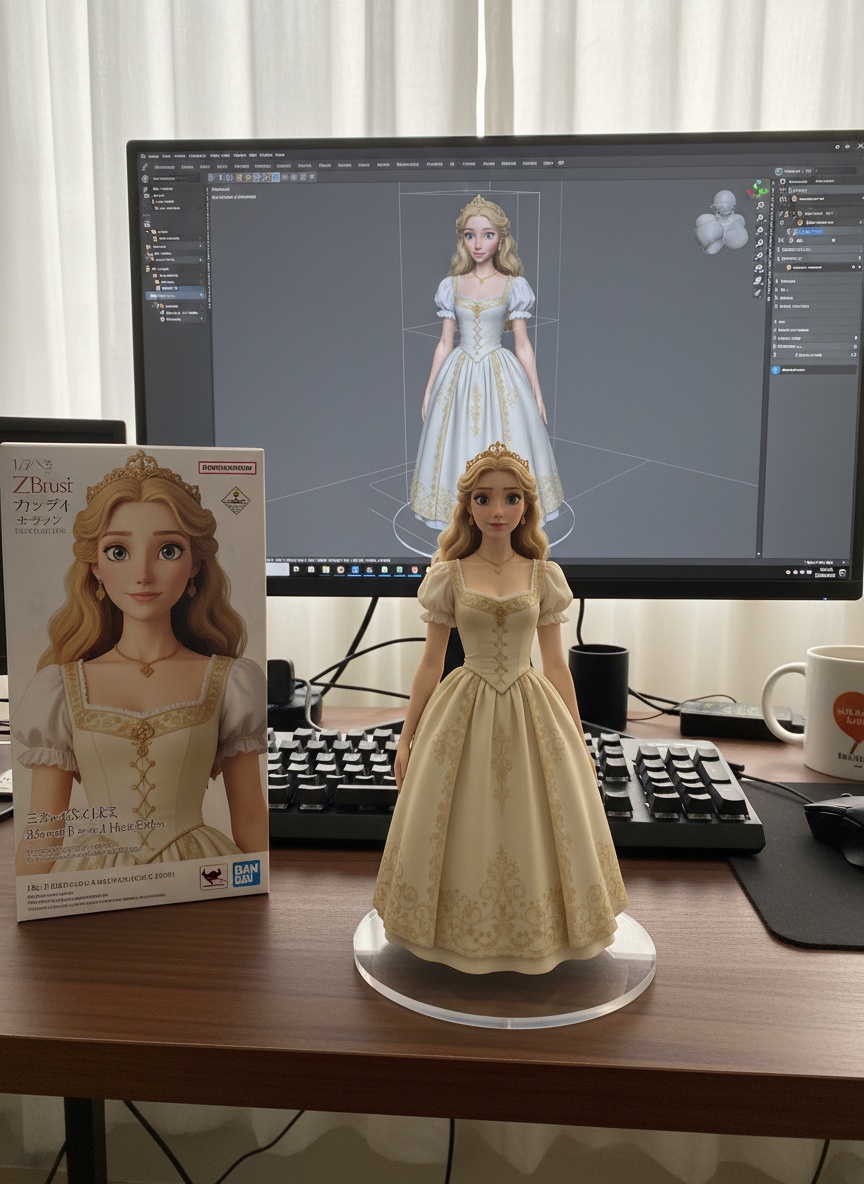
turn this photo into a character figure. Behind it, place a box with the character's image printed on it, and a computer showing the Blender modeling process on its screen. In front of the box, add a round plastic base with the character figure standing on it. set the scene indoors if possible
What is Mango AI Image to Image?
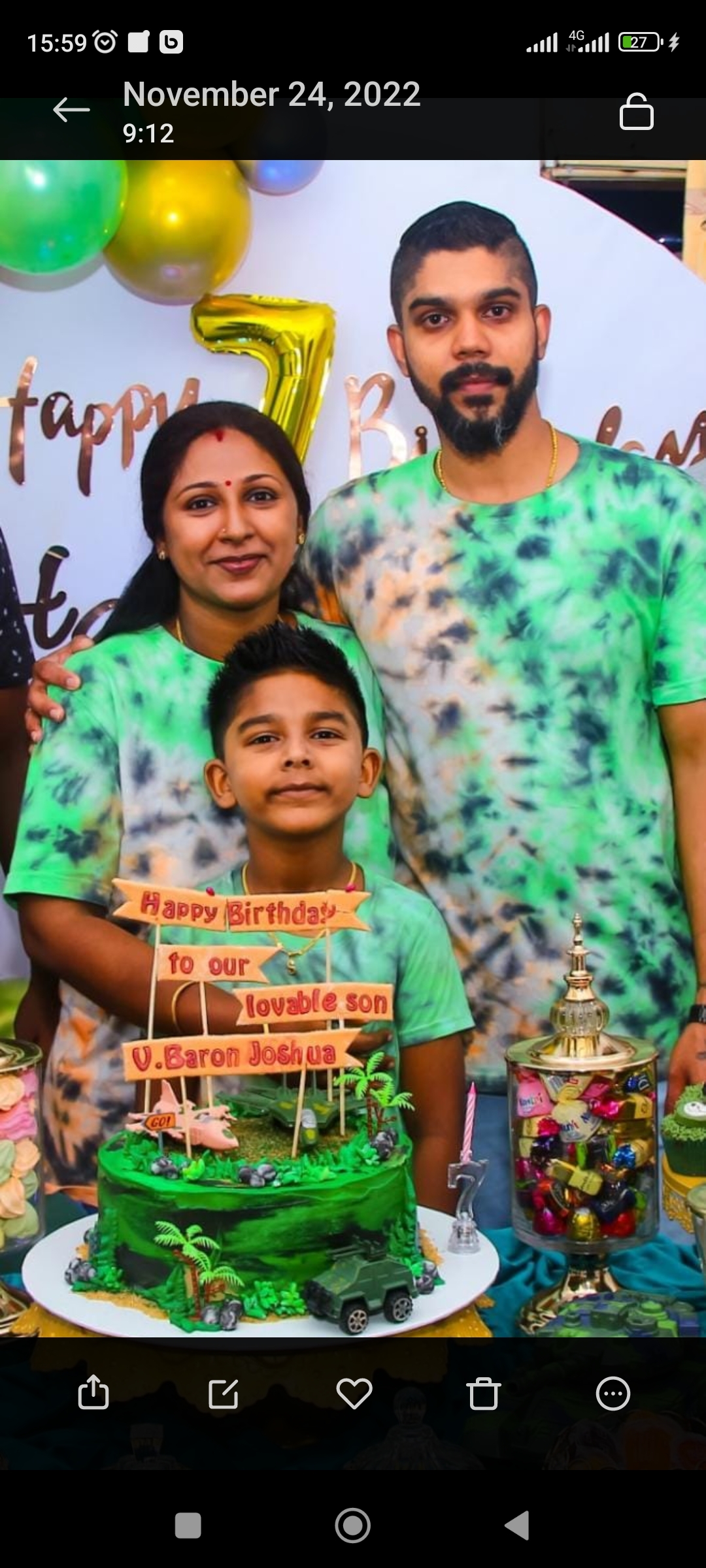
Mango AI image to image is an AI image editing workflow that transforms an uploaded image with natural language instructions. Upload a source image, describe the edit or style you want, and Mango AI creates a new image while preserving the important structure, subject, and composition of the original.
Use Mango AI image edit for product restyling, character figure concepts, portrait variations, social media visuals, creative retouching, and prompt-guided image enhancement. It works as a practical Mango AI image to image generator for creators who need fast visual iterations without manual design work.
How to Use Mango AI Image Edit
Upload an Image
Add a source image or multiple references for the AI to understand the subject and context.
Describe the Edit
Write the transformation you want, including style, composition, lighting, and final use case.
Generate Results
Create and download prompt-guided image variations directly from the shared AI studio.
Mango AI Image to Image Use Cases
AI Product Image Editing
Turn simple product photos into campaign-ready concepts. Change backgrounds, styling, lighting, and presentation while keeping the product recognizable.
Character and Figure Concepts
Use Mango AI image to image prompts to convert illustrations, photos, or references into collectible figure concepts, packaging mockups, and stylized creative assets.
Portrait and Social Visuals
Create profile images, editorial portraits, thumbnails, and social media variants with consistent subject identity and prompt-directed styling.
Creative Image Variations
Explore multiple directions from one source image. Mango AI image edit helps test composition, mood, material, scene, and color changes quickly.
Why Choose Mango AI Image Edit?
- •
Prompt-Based Image Editing
Describe the exact change you want instead of masking, layering, or manually retouching every detail.
- •
Reference-Aware Results
Mango AI image to image uses your uploaded image as visual context, so the output can keep important subjects, poses, and layout cues.
- •
Fast Creative Iteration
Generate multiple visual directions from the same source image and move from idea to usable creative faster.
- •
Unified AI Studio
Continue from image editing into text-to-image, image-to-video, or text-to-video with the same shared Mango AI creation interface.
Frequently Asked Questions About Mango AI Image to Image
What is Mango AI image edit?
Mango AI image edit is a prompt-based AI image editing tool. You upload an image, enter instructions such as changing the style, scene, background, or product presentation, and generate a new edited image.
How is Mango AI image to image different from text to image?
Text to image starts from a written prompt only. Mango AI image to image starts from an uploaded image plus a prompt, which gives the AI visual guidance for subject identity, composition, pose, or product details.
Can I use Mango AI image to image for product photos?
Yes. It is useful for product image editing, lifestyle scene generation, packaging concepts, campaign variations, and visual testing before a full photo shoot or design pass.
Does Mango AI image edit preserve the original image?
The tool uses the uploaded image as reference context, but the final result depends on the prompt and selected model. Clear instructions help preserve the parts you want unchanged while transforming the rest.
Create Better Image Edits with Mango AI
Use Mango AI image to image to transform product photos, portraits, references, and creative concepts into polished AI-edited visuals in seconds.
No credit card required · Free tier available